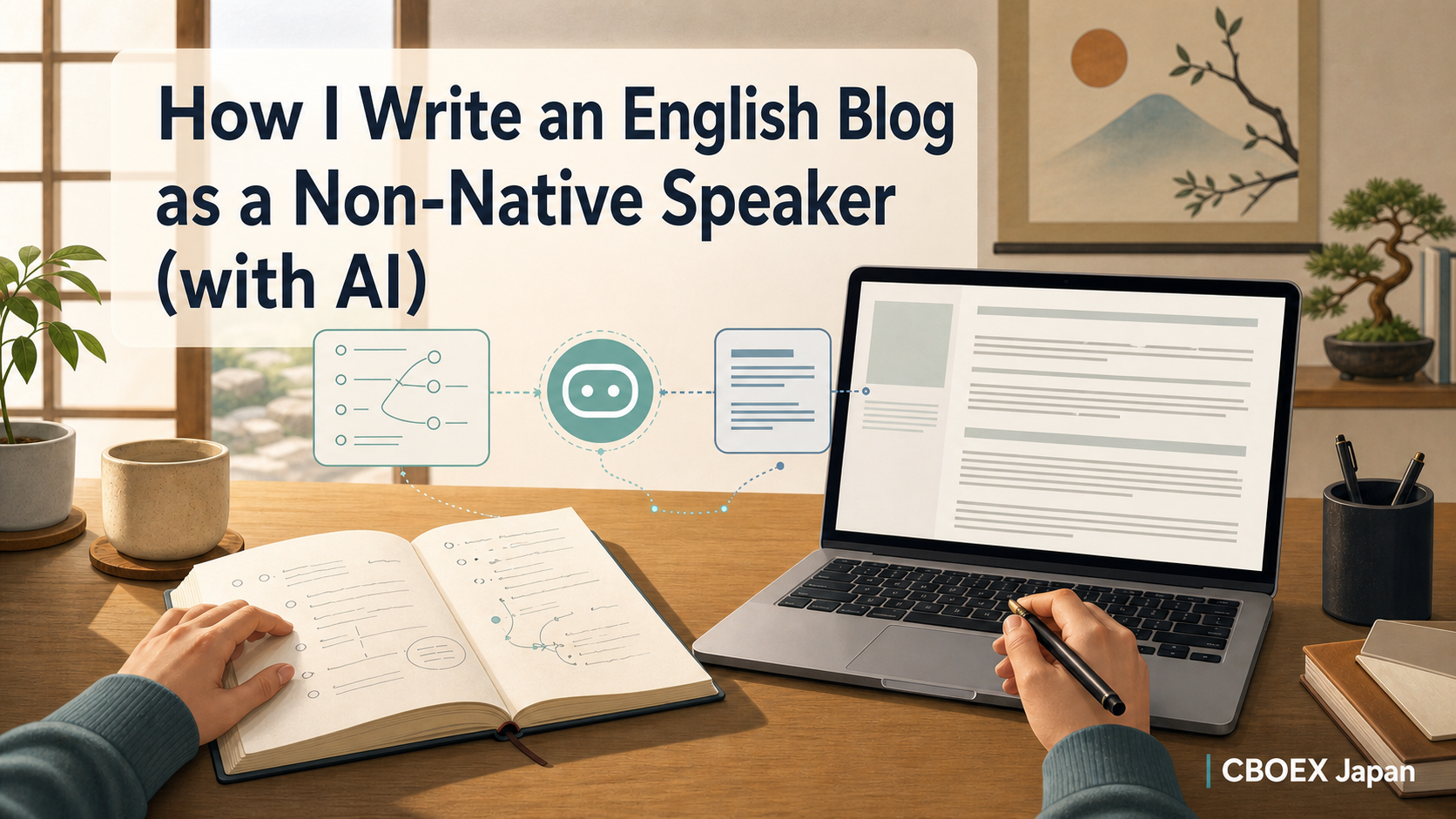
English is not my native language. But CBOEX Japan is an English blog.
That sounds like a problem, and sometimes it is. The hard part is not grammar alone. The hard part is making the English feel natural, practical, and still like me.
AI helps a lot, but only when I use it in the right place. If I write a full Japanese article and ask AI to translate it, the result often feels stiff. So I use a different workflow: I think in Japanese, then I draft and polish in English.
Quick conclusion
You can write an English blog as a non-native speaker with AI, but the key is this:
Do not treat AI as a sentence-by-sentence translation machine. Treat it as an English writing partner.
My current workflow is:
- Think and outline in my native language.
- Give AI the structure, audience, facts, and voice rules.
- Draft in English from the outline, not from a finished Japanese article.
- Fact-check the details separately.
- Polish the English by reading it like a real blog post, not like a language test.
That last step still needs a human. AI can make the English smoother. It cannot decide what I actually mean.
What this article covers
This is the practical follow-up to How I Run 5 Blogs Solo Using AI and a Second Brain.
That article explains the whole system: one Obsidian vault, multiple blogs, AI tools, and WordPress workflows. This article zooms into one specific problem inside that system:
- How I plan an English post when my thinking language is Japanese
- How I use AI without producing translationese
- Which parts I let AI handle
- Which parts I still check myself
- What went well and what still feels fragile
I will not publish every private instruction or internal prompt I use. Some of those files include project-specific rules that are useful for my workflow, but too detailed for a public article. Instead, I will show the reusable shape.
The setup
Here is the actual setup behind this post.
| Item | My current setup |
| Site | CBOEX Japan |
| Language | English |
| Thinking language | Japanese |
| Main workspace | Obsidian vault |
| Publishing platform | WordPress with GeneratePress |
| SEO plugin | The SEO Framework |
| Article type | Practical AI blogging workflow |
| Review date | May 31, 2026 |
| Publish target | June 1, 2026, 5:00 JST |
The important point is that this article is not theory. I wrote the outline for it in Japanese first. Then I used that outline to create an English draft.
That is the workflow I am describing. This post is also the test case.
Why I do not translate a finished Japanese draft
For me, Japanese is the fastest language for thinking. If I need to decide the point of an article, list the messy details, or leave notes for future me, Japanese is efficient.
But a finished Japanese article is a bad source for an English article.
The sentence structure is different. The rhythm is different. The way I soften a claim in Japanese does not always work in English. If I translate paragraph by paragraph, the result often sounds correct but unnatural.
The danger is subtle. The English may not be “wrong.” It just sounds like it came through another language before reaching the reader.
Examples:
| Translation-style English | Better blog English |
| In this article, I will introduce my method. | Here is the workflow I use. |
| I think that it is important to confirm the facts. | Fact-checking matters because AI can fill gaps too confidently. |
| There are various tools that can be used. | I use Obsidian for memory, AI for drafting, and WordPress for publishing. |
| Please refer to the previous article. | See the previous article for the full system. |
That is why my rule is simple:
Japanese is for thinking. English is for publishing.
My workflow, step by step
1. I write the rough plan in Japanese
I start with a Japanese outline because it lets me think quickly.
At this stage, I do not care about elegant English. I care about the shape of the idea:
- What is the article trying to answer?
- Who is it for?
- What personal experience can I include?
- What should I avoid saying?
- What needs a fact check?
This is also where I write open decisions. For this post, one open decision was how much of my internal prompt workflow to show publicly. The answer: enough to be useful, not enough to expose every private working file.
2. I turn the outline into an English article brief
The next step is not translation. I turn the Japanese notes into a clear English brief.
That brief includes:
- the target reader
- the search intent
- the H2 and H3 structure
- the key facts
- the tone rules
- examples of what not to do
This is the part that makes the AI useful. A vague prompt gives me generic English. A specific brief gives me a draft that already knows what kind of article it wants to be.
3. I ask AI to draft in English from the brief
When I ask AI for the first draft, I do not say “translate this.”
I ask it to write an English blog post from the outline, in first person, with a practical and honest tone.
That difference matters. Translation keeps the Japanese sentence structure in control. English-first drafting lets the article breathe in English from the start.
4. I fact-check separately
AI is good at writing fluent paragraphs. It is not automatically good at remembering my exact tools, dates, file names, categories, or WordPress settings.
So I separate writing from checking.
For this article, most claims are first-party workflow claims. I can verify them against my own vault:
- The site concept and category rules
- The English style guide
- The production workflow
- The previous article’s planned URL
- The WordPress and SEO setup
If I make claims about tools or current features, I need to check them against current sources. For this post, I avoided unnecessary external claims because the useful part is my workflow, not a broad market report.
5. I polish for voice, not just grammar
This is where non-native writing can quietly go wrong.
If I only ask AI to “make it natural,” the draft may become smoother but less mine. It can turn into clean, generic productivity writing.
So I check for voice:
- Does it sound like one person running a real site?
- Does it include the messy parts?
- Are the sentences short enough to scan?
- Did the draft hide uncertainty that should stay visible?
- Does it avoid hype?
I also look for translationese. My style guide has a few banned patterns, and I use them as a checklist.
6. I prepare WordPress only after the article is stable
I do not want to polish metadata while the article is still moving.
Once the draft is stable, I prepare:
- title
- slug
- category
- tags
- SEO title
- meta description
- X post
- featured image prompt
For CBOEX Japan, the final publish flow still keeps a human at the button. AI and scripts can prepare a WordPress draft, but I manually review before publishing.
The prompt pattern I reuse
I do not need to show every private instruction file to explain the pattern. The public version looks like this:
Write an English blog post from the following outline.

Audience: solo creators, bloggers, and AI tool users.
Voice: first-person, conversational, practical, honest.
Do not translate sentence by sentence. Use the outline as source material.
Avoid hype, corporate tone, and translation-style phrases.
Include what worked, what did not work, and next steps.
Use H2/H3 headings only.

Outline:
[native-language notes converted into a clear structure]
The important line is: “Do not translate sentence by sentence.”
That one instruction changes the job. The AI is no longer trying to preserve the surface form of the Japanese. It is trying to write the article the English reader should receive.
Where AI helps and where it does not
AI is very useful in this workflow, but I do not trust it with everything.
| Task | AI helps? | My rule |
| Turning messy notes into structure | Yes | I still decide the core point |
| Drafting natural English paragraphs | Yes | I provide voice rules and examples |
| Fixing translationese | Yes | I review the final result myself |
| Checking file paths, dates, and settings | Partly | Verify against local files or current sources |
| Preserving personal voice | Partly | Add real details and cut generic lines |
| Publishing decisions | No | Human review before publish |
This is the same pattern I use across the site: AI handles repeatable work, and I keep the judgment layer.
Common pitfalls
Pitfall 1: The English sounds correct but not alive
This is the classic translation problem. The grammar is fine, but the rhythm is too formal.
The fix is to rewrite around meaning, not sentences. I ask: “What am I trying to say here?” Then I write that in English directly.
Pitfall 2: AI removes the personal parts
AI often tries to make writing more general. That can be useful for clarity, but it can also erase the reason the article exists.
For CBOEX Japan, the useful part is that I am actually running this workflow. So I keep the first-person details:
- I run the site from Japan.
- I use one Obsidian vault.
- I publish through WordPress.
- I still hit workflow problems.
Those details make the article more trustworthy than a generic “AI can help you blog” article.
Pitfall 3: AI invents confidence
AI can make uncertain things sound settled.
That is dangerous in workflow writing. If a setting is still undecided, or if a process broke once, I want the article to say that. “This still needs manual review” is better than pretending the system is fully automated.
Pitfall 4: The prompt becomes a crutch
A good prompt helps. It does not replace taste.
I still need to read the draft and ask whether it feels like something I would actually publish. If not, I revise it. Sometimes that means cutting the most polished paragraph because it sounds too generic.
What worked in this experiment
This article was a good test of the workflow because the subject is the workflow itself.
A few things worked well:
- The Japanese outline made the article faster to plan.
- The English style guide caught the exact problem this article is about.
- The previous pillar article gave this post a clear place in the site.
- The draft stayed first-person instead of turning into a general advice article.
The most useful part was separating thinking from writing. I did not force myself to think in perfect English at the planning stage. I also did not let the Japanese outline control every English sentence.
That balance is the point.
What did not work perfectly
The weak point is still the same: review.
AI can make a sentence smoother, but it can also make it less specific. It can remove the awkwardness that should go away, and also remove the rough detail that makes the article feel real.
So I still need to decide:
- what should be public
- which examples are too internal
- whether the English sounds like me
- whether a statement is checked or only plausible
- whether the article is actually useful
AI can speed up the middle of the process. It cannot own the meaning of the article.
That is why I like this workflow. It does not ask me to become a native English speaker. It asks me to become a better editor of my own ideas.
FAQ
Is it okay to outline in my native language first?
Yes. I think it is often better. The risk is not native-language thinking. The risk is treating the finished native-language draft as something to translate line by line.
Should I use AI translation tools or AI writing tools?
For blog posts, I prefer AI writing from a structured brief. Translation can be useful for small sections, but a full translated draft often keeps too much of the original language’s rhythm.
How do I keep my own voice when AI writes the first draft?
Give AI specific context, then edit aggressively. Add your real constraints, failures, tools, dates, and decisions. Cut lines that sound like generic advice.
Do I need perfect English before publishing?
No. You need clear, trustworthy English that serves the reader. A non-native writer can publish good English if the workflow includes structure, fact-checking, and a real edit.
How much of my prompt should I show publicly?
Show the pattern if it helps the reader. You do not need to publish every private instruction, internal file path, or project rule. A useful workflow article can be transparent without exposing the whole operating system.
Next steps
My next step is to turn this workflow into a repeatable CBOEX Japan process, not just a one-time article.
I want each English post to have:
- a clear native-language planning layer
- an English-first draft
- a translationese check
- a fact-check pass
- a final voice pass
That is the kind of system I can keep using across multiple blogs.
I am still improving it. But this is already enough to publish useful English articles without pretending English is my first language.